
Events
This page is your gateway to a curated collection of materials from diverse workshops and events, carefully selected to inspire, guide, and support your self-study adventure.
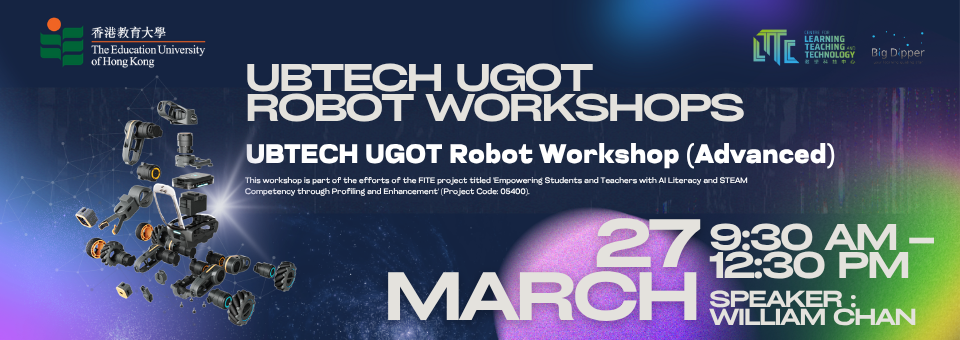
UBTECH UGOT Robot Workshop (Advanced)
Content:
- Dive deeper into the engineering structure of the UGOT Engineer Vehicle.
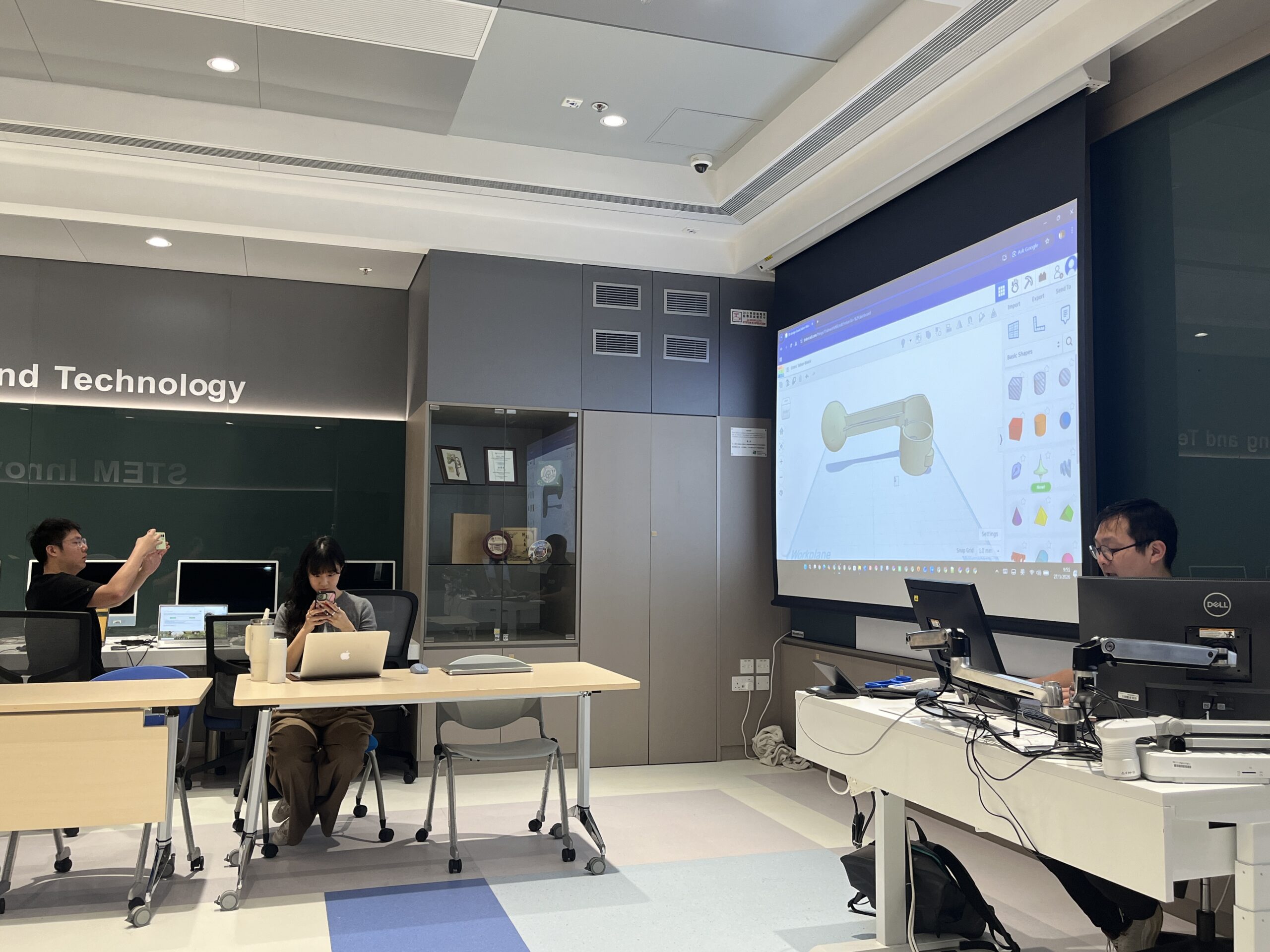
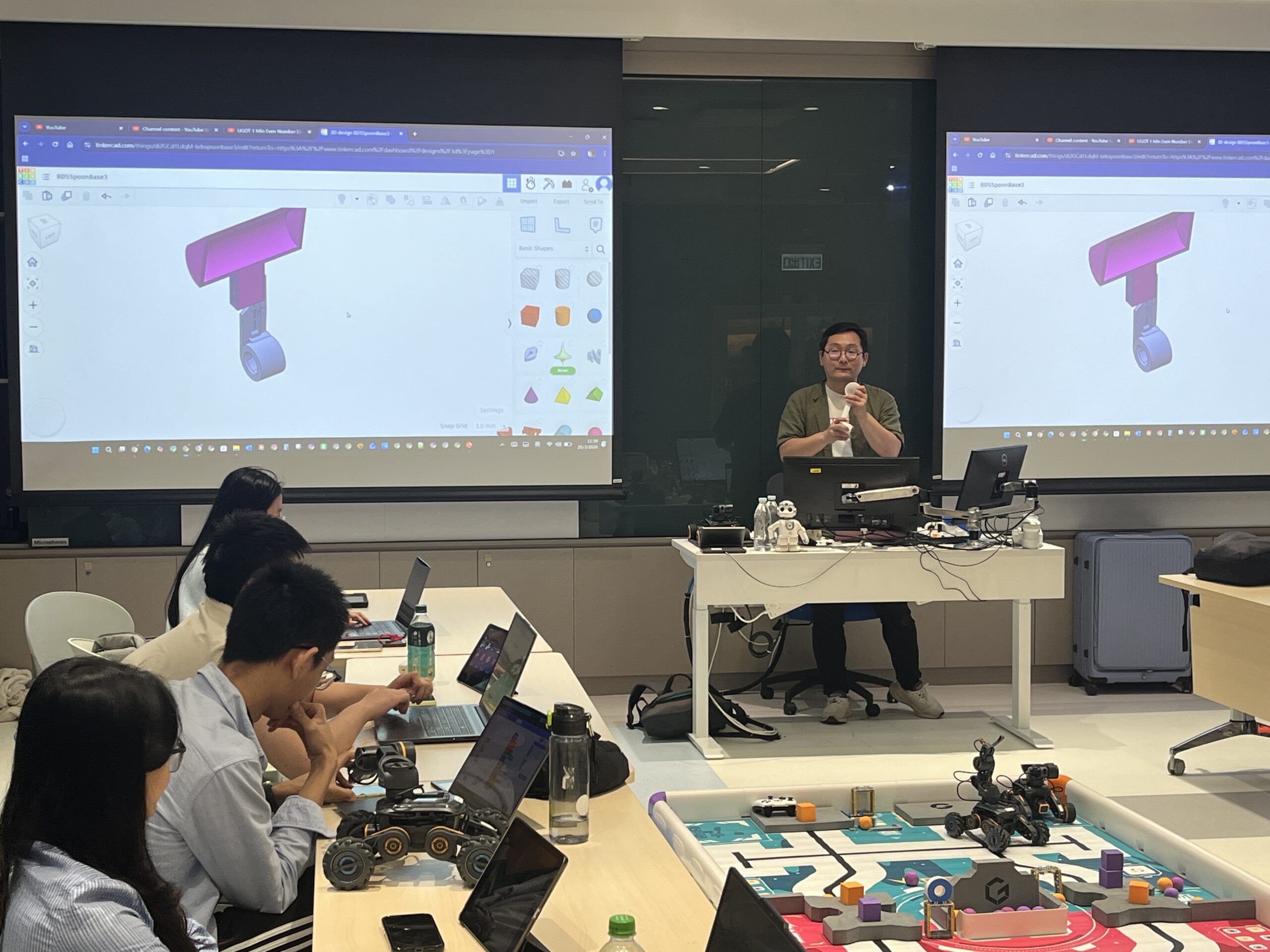
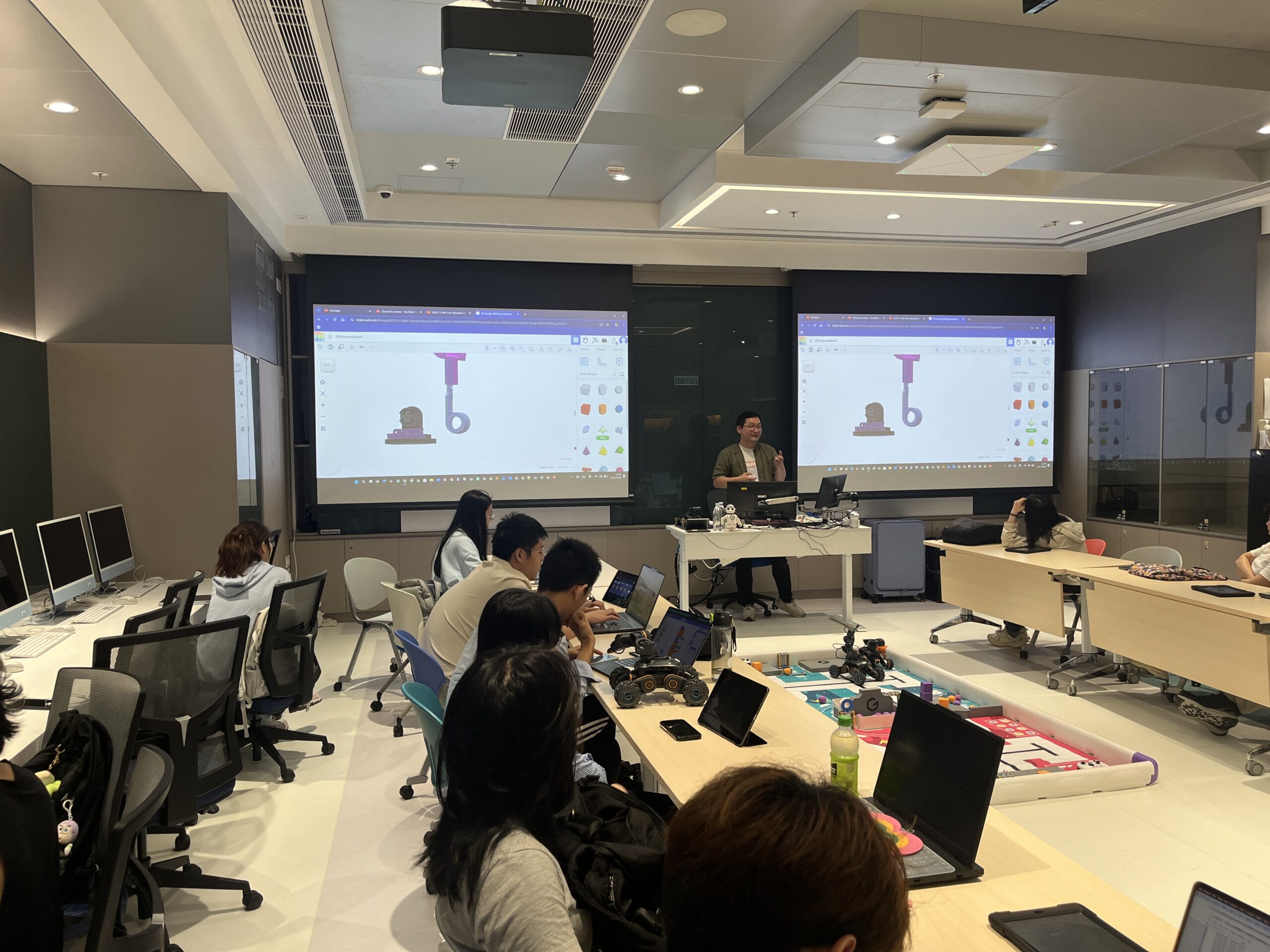
- Work with 3D design:
- Introduction to Tinkercad for creative CAD modeling.
- Design and customize components (e.g., a catapult) and search for suitable 3D models.
- Apply your 3D designs:
- Learn how to integrate 3D-printed parts into DIY robotics projects.
- Hands-on project:
- Assemble, modify, and enhance robot functions using newly designed and printed components.
- Explore ideas for taking your robot projects further with advanced coding and digital making skills.
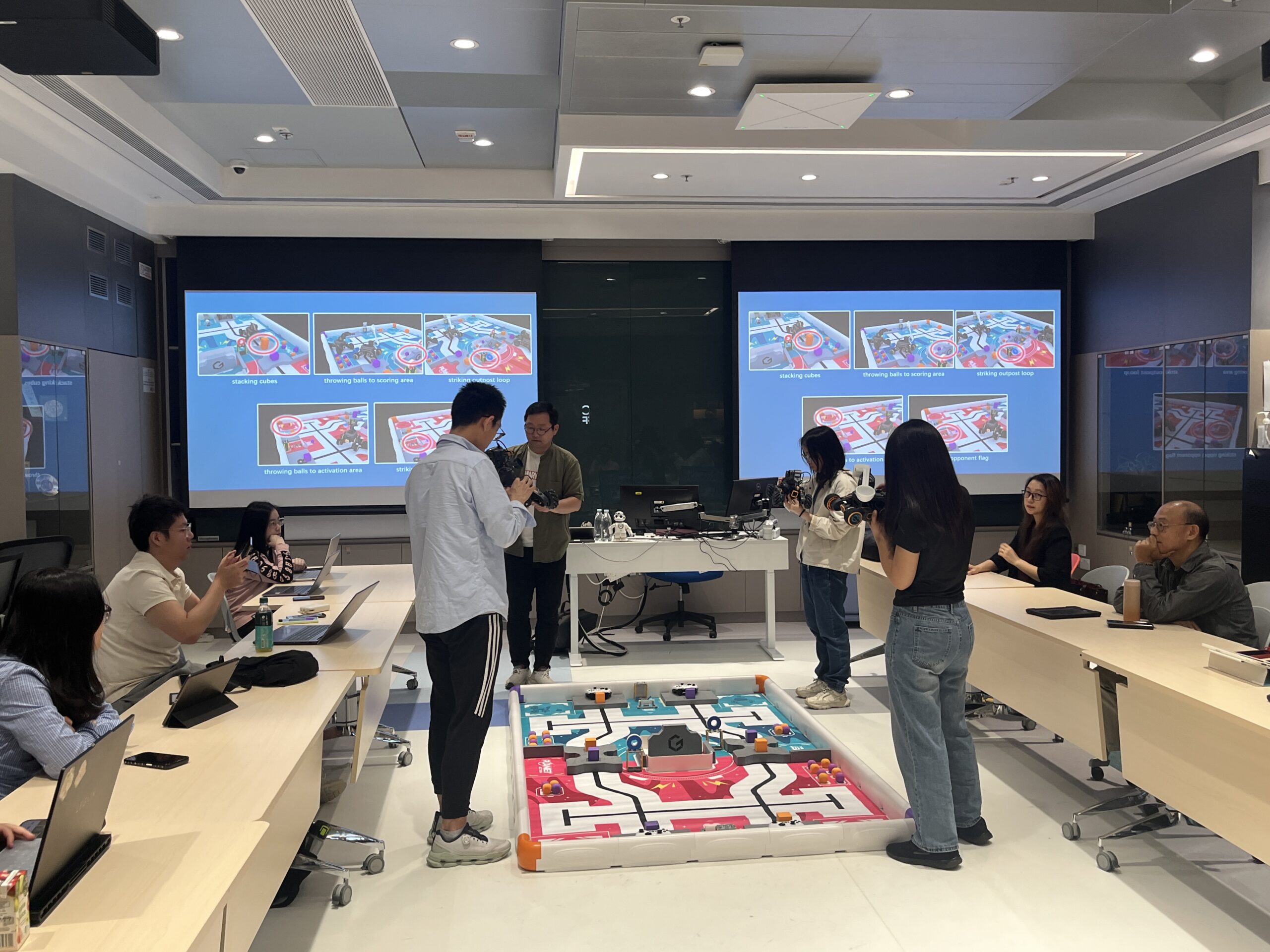
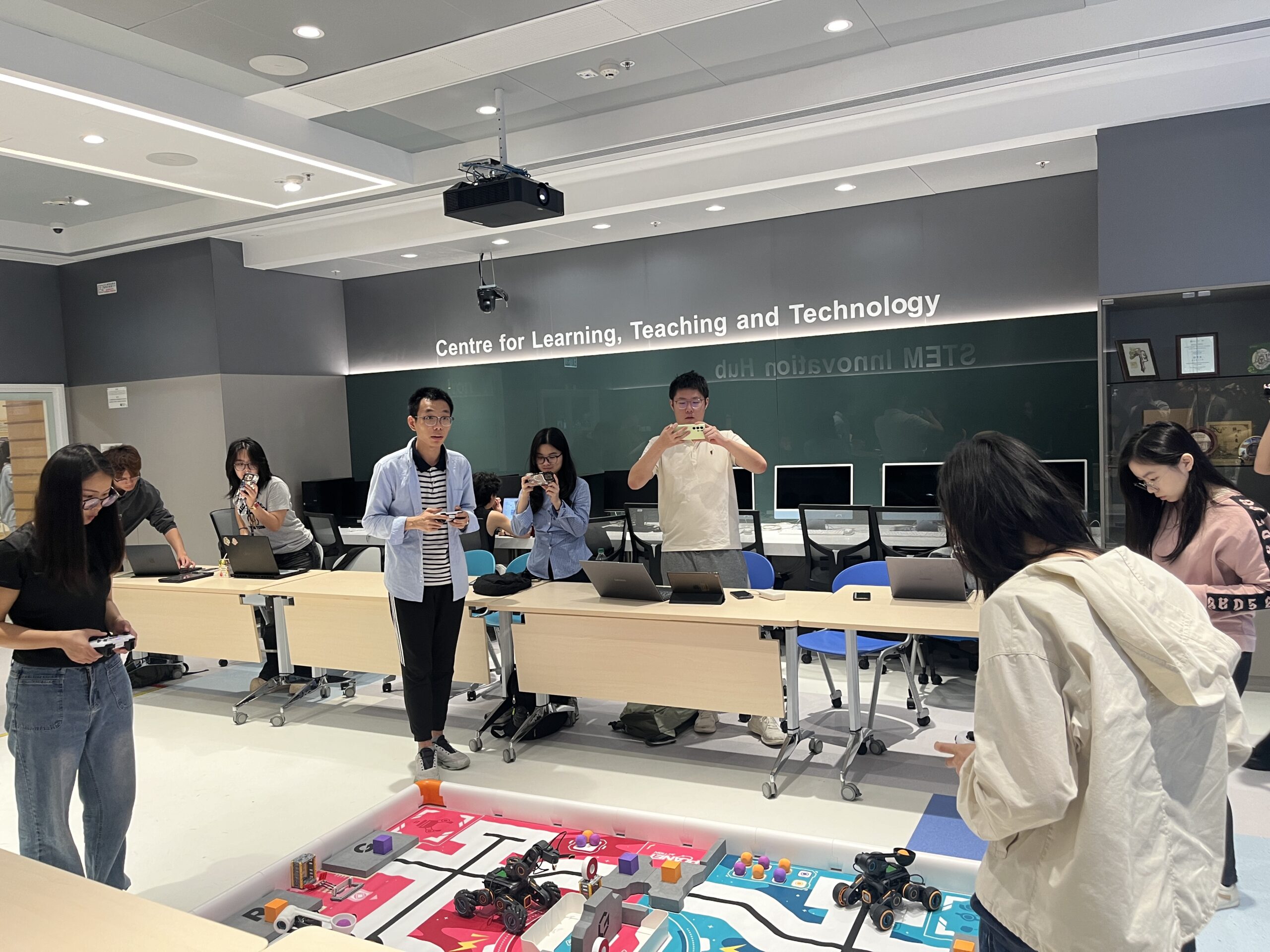
UBTECH UGOT Robot Workshop (Fundamental)
Content:
- Introduction to the basic concepts of AI and robotics, and explore real-world applications.
- Overview of the main structure and components of the UGOT robot.
- Step-by-step guide to setting up the UGOT robot.
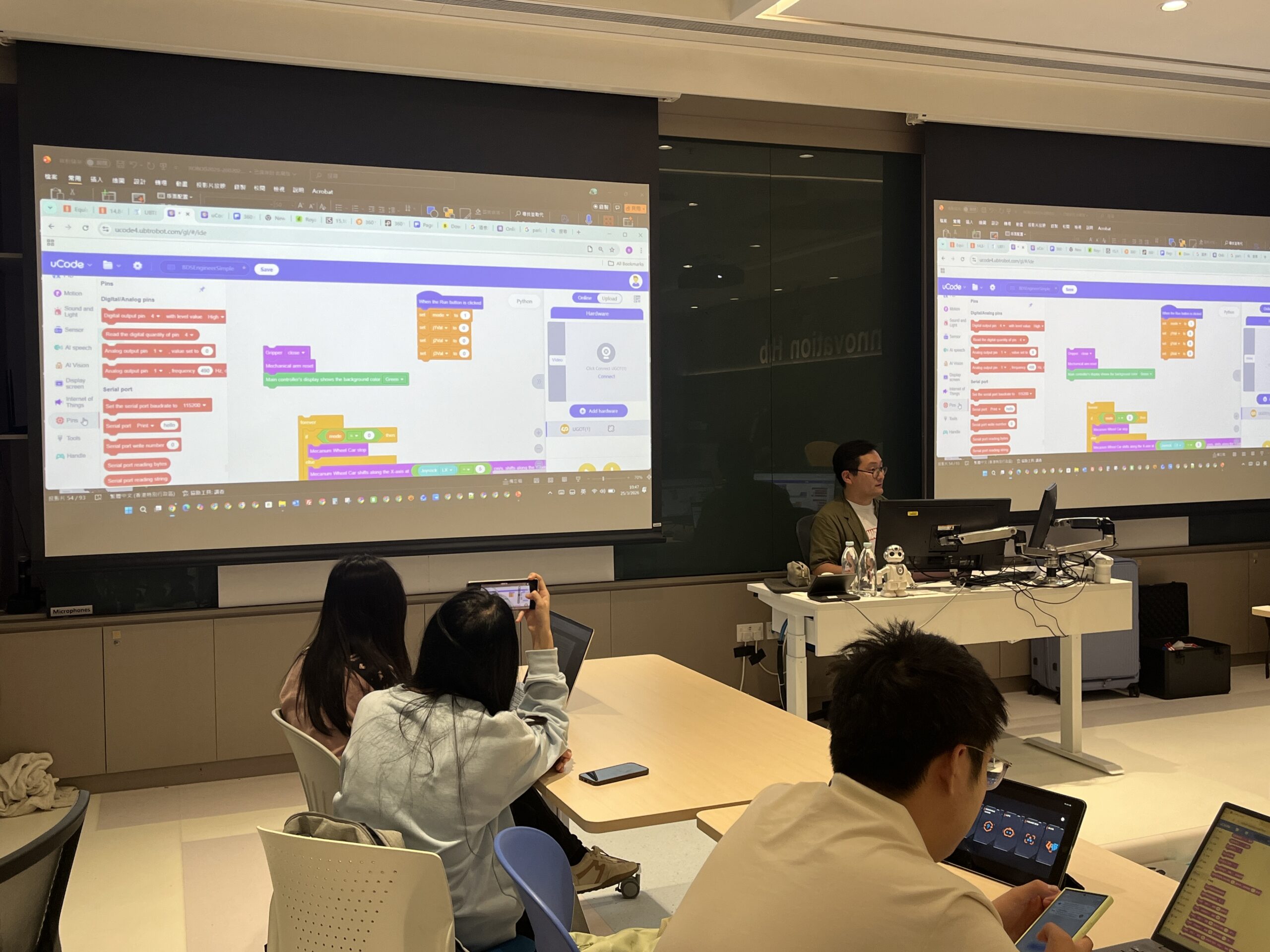
- Hands-on coding experience:
- Using the uCode platform to create and preview simple robot programs.
- Basic programming concepts without prior experience required.
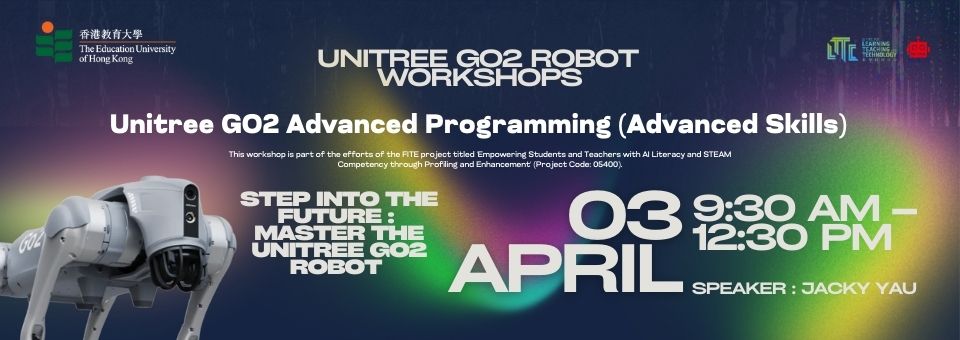
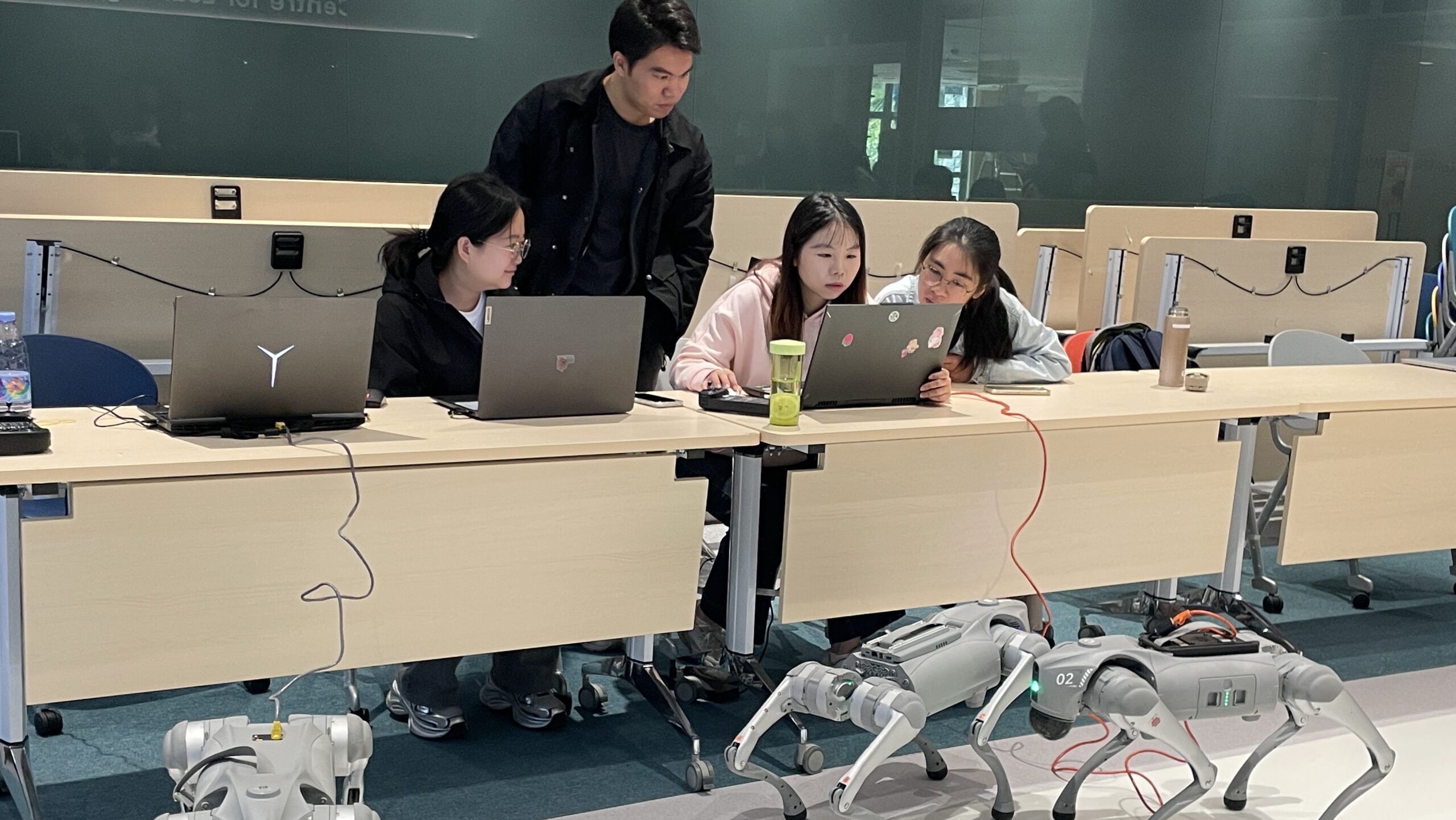
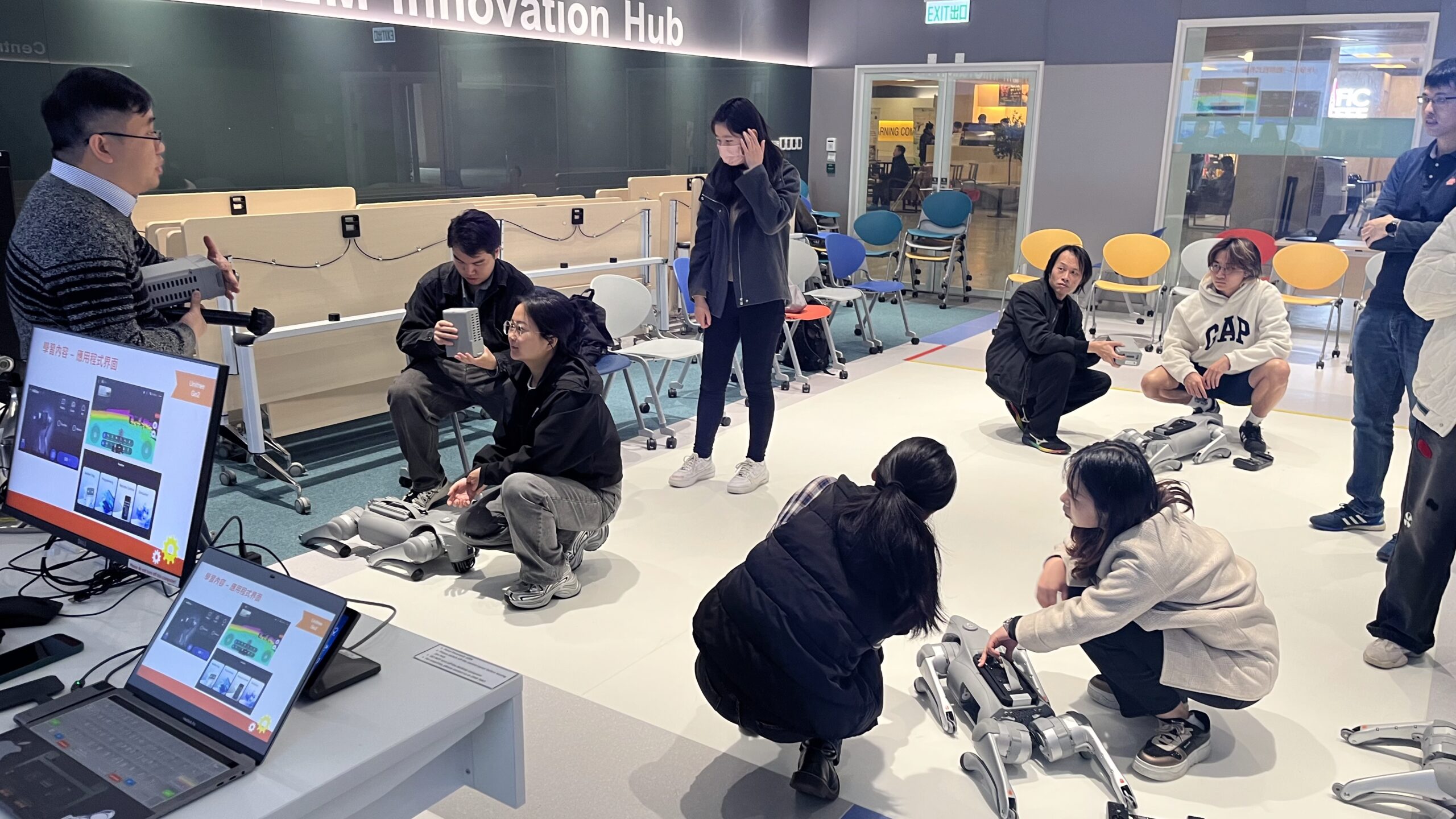
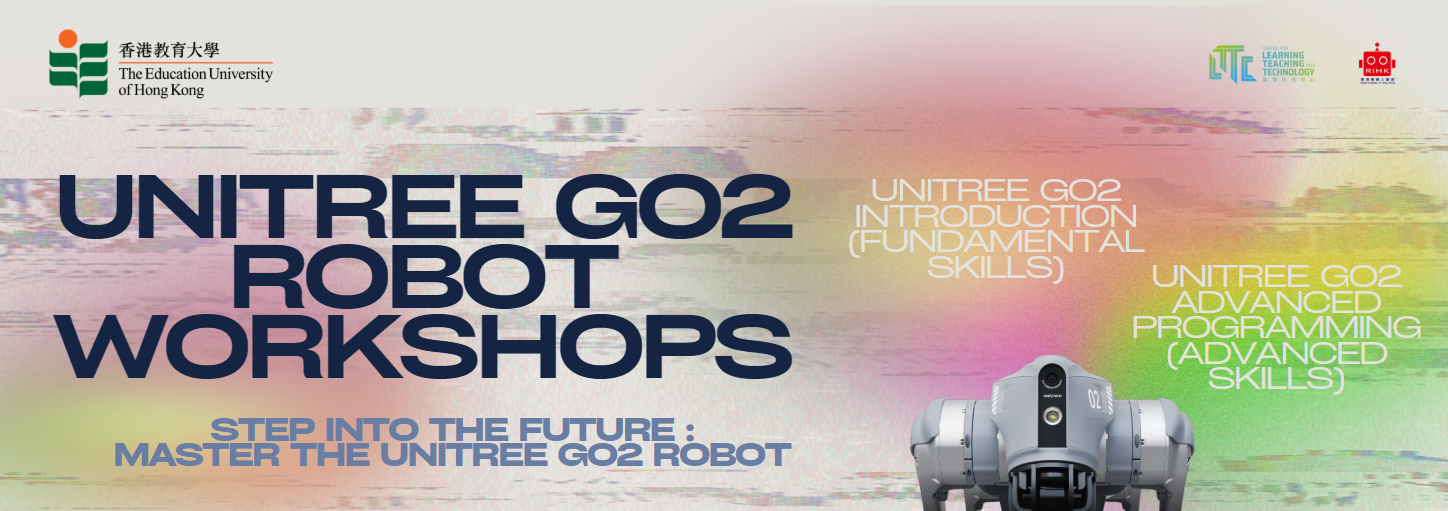
Unitree Go2 Advanced Programming (Advanced Skills)
Content:
- Setting up communication and networking with Unitree Go2 robot
- Programming Unitree Go2 to execute various movements:
-
- Walking
- Built-in motions
-
- Reading data from built-in sensors:
-
- Battery status
- Inertial measurement unit (IMU)
- Lidar
- Foot sensor
-
- Streaming and processing images from the robot’s built-in camera:
-
- Color recognition
- Tag recognition
- Image classification using Teachable Machine
-
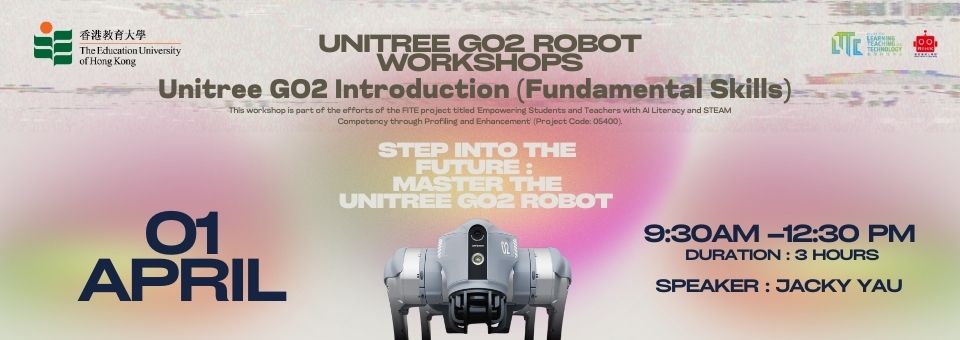
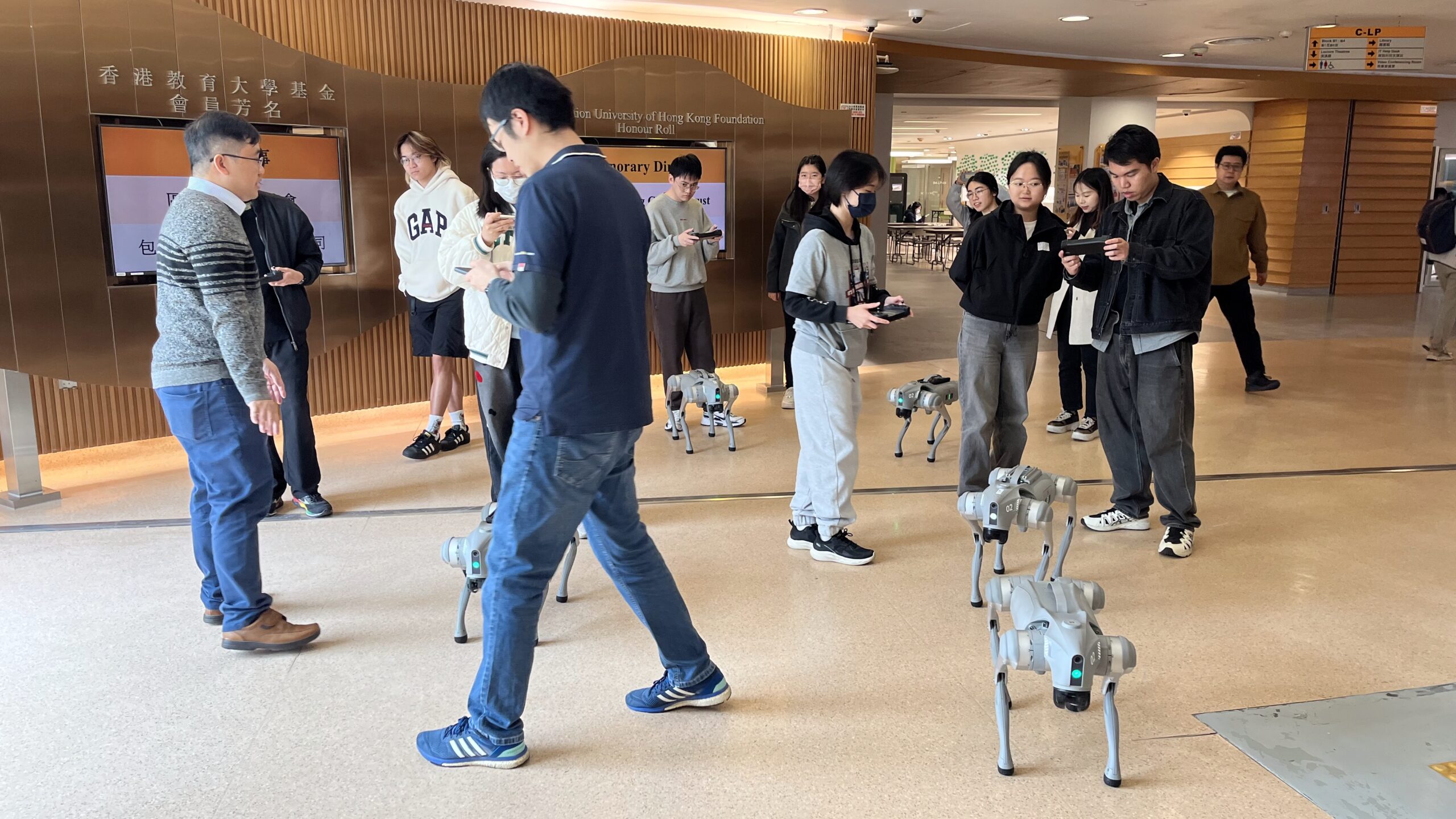
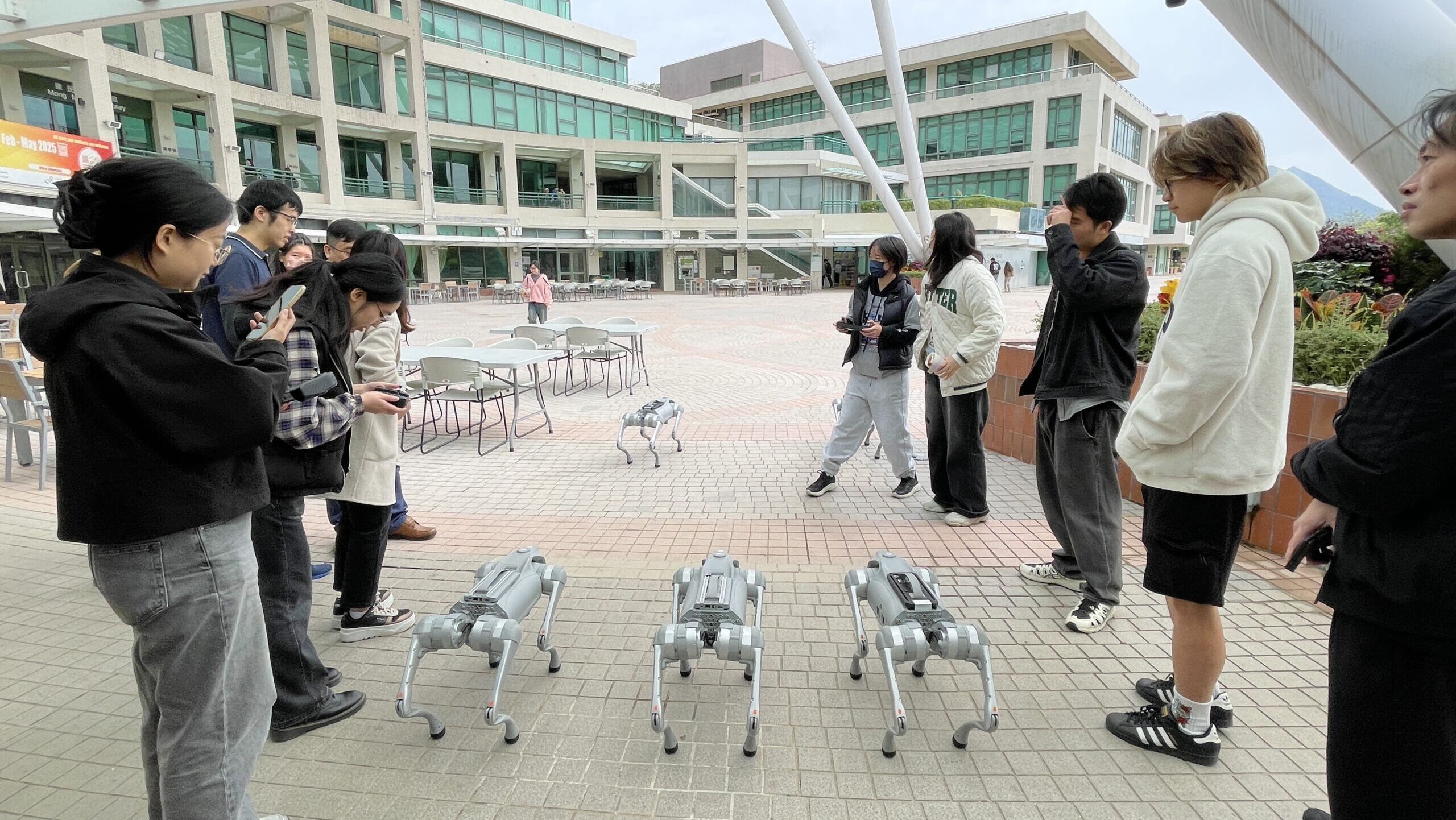
Unitree Go2 Introduction (Fundamental Skills)
Content:
- Introduction to the concept of quadruped robots and their practical applications
- Overview of the structure and the main components of the Unitree Go2 robot
- Safety operation procedures for the Unitree Go2 robot
- Familiarization with different operational modes:
-
- General mode
- AI mode
- Companion mode
-
- Interaction with the robot using the BenBen Dog chatbot function
- Basic block coding to create and preview simple robot programs
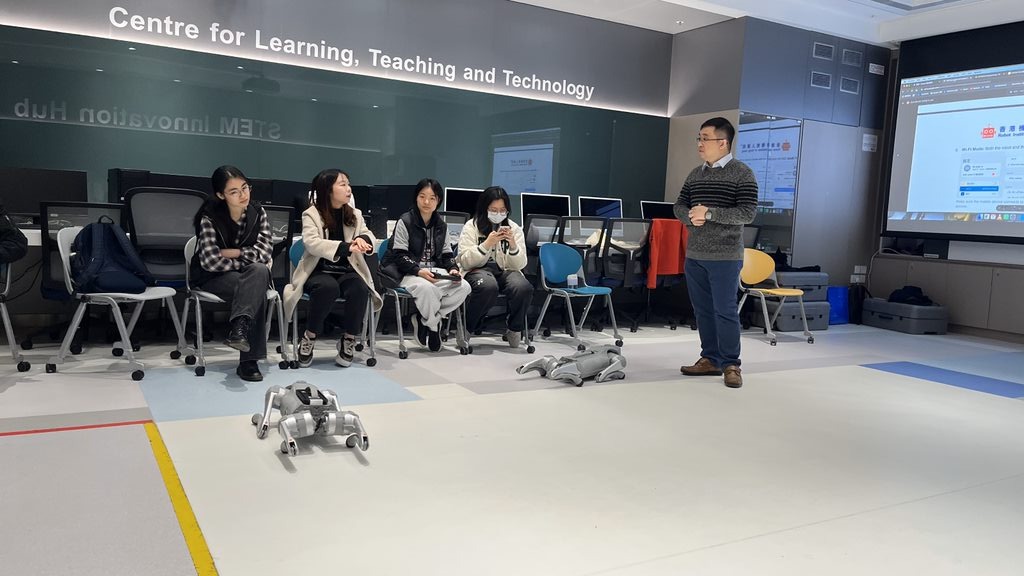
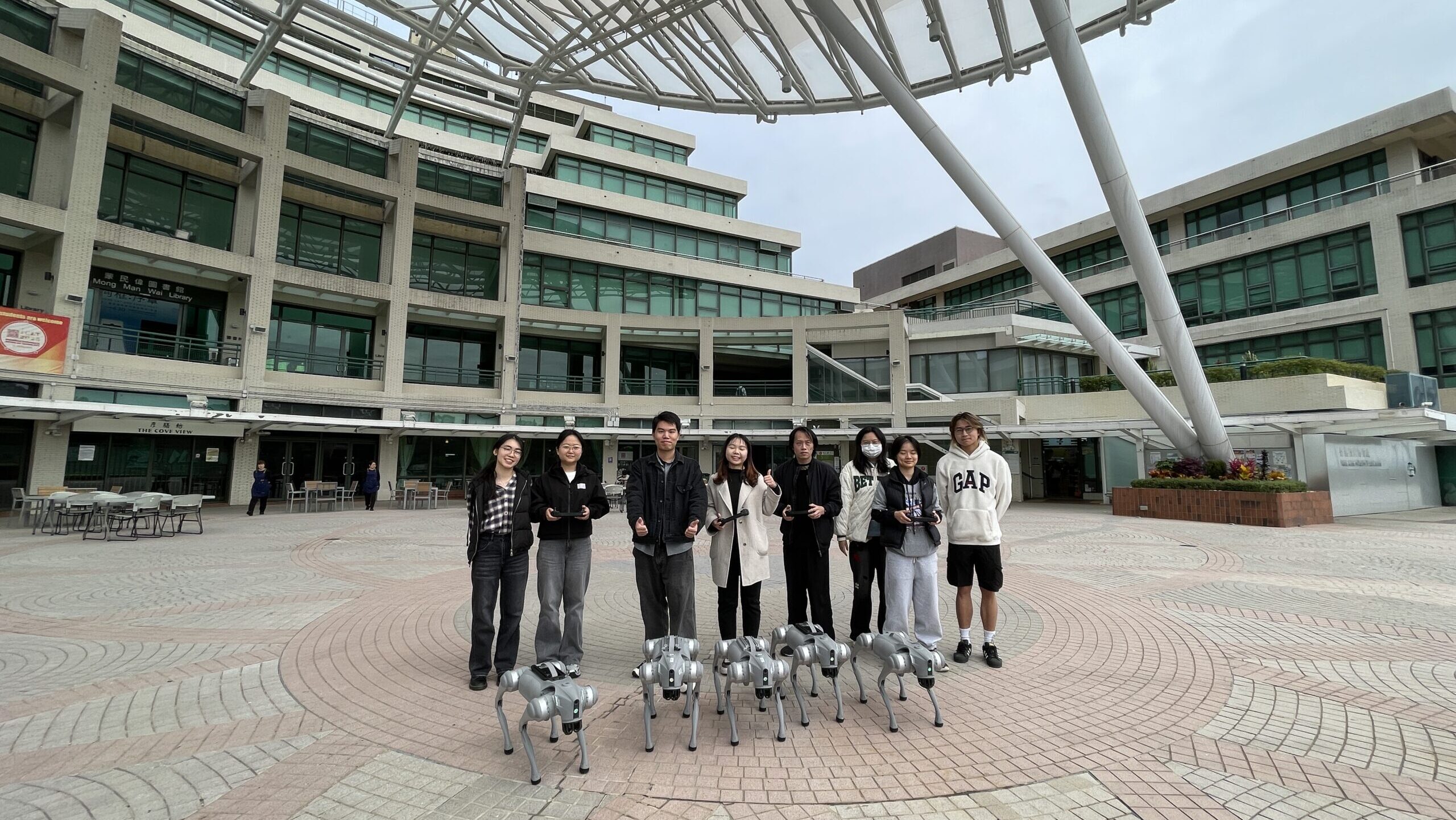
Unitree Go2 User Guide
Unitree prepared a detailed user guide (bilingual) that covers all the instructions, operations and abnormalities. Please feel free to download the guide and have a great insight on this valuable tool to support your learning.